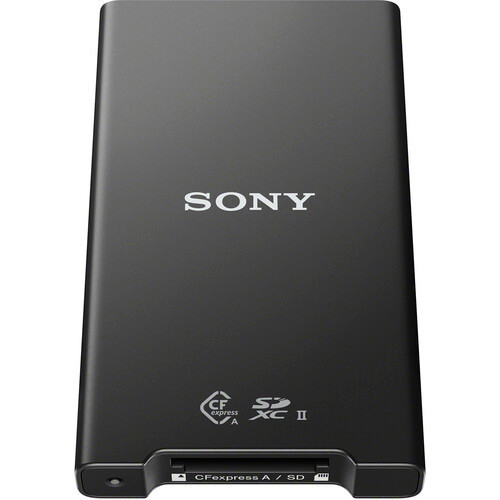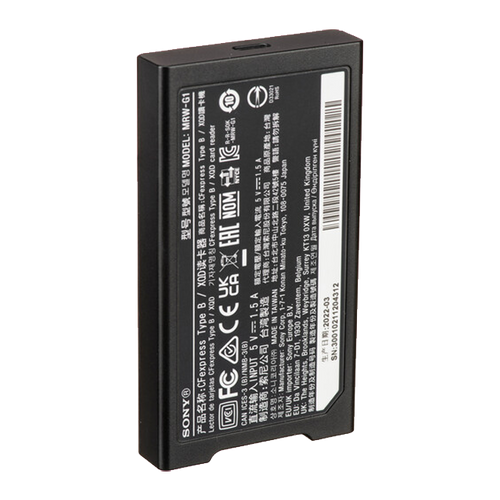


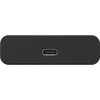


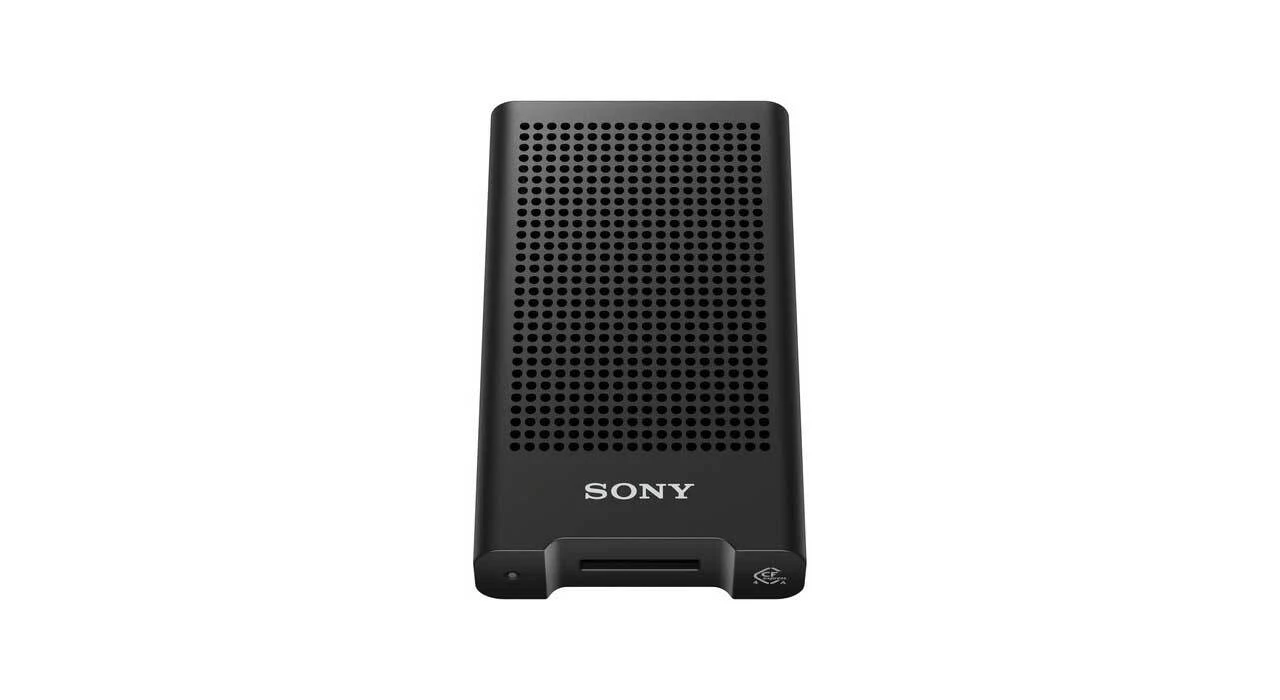
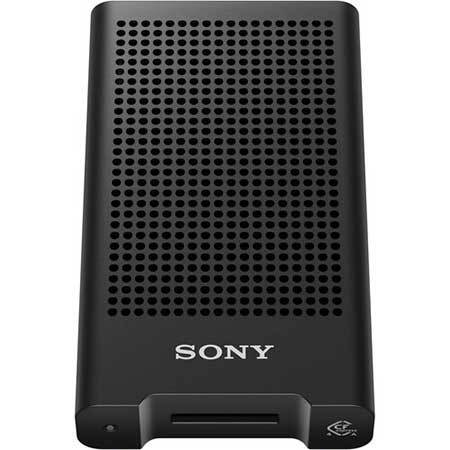
Sony MRW-G3 CFexpress Type A Card Reader
A CFexpress 4-ready, USB 40Gbps card reader built for quickly backing up large Sony photo and video files between dives.
The Sony MRW-G3 is a dedicated CFexpress Type A card reader designed for photographers and filmmakers who need faster file offloads from modern high-performance Sony media. Its USB 40Gbps interface and CFexpress 4 support make the most sense for shooters bringing home large RAW bursts, high-bitrate video and full memory cards after long underwater shooting days.
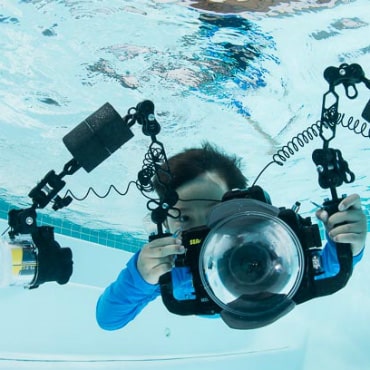
For underwater photographers, the benefit is primarily topside: after the dive, the MRW-G3 can shorten the time spent transferring and backing up large files before the next dive.
- Best for: Shooters using CFexpress Type A media for high-resolution photography or high-bitrate video.
- Main advantage: USB 40Gbps interface with support for the CFexpress 4 standard.
- Compatibility: CFexpress Type A cards; Windows, macOS, iOS, iPadOS and Android host devices are supported by Sony.
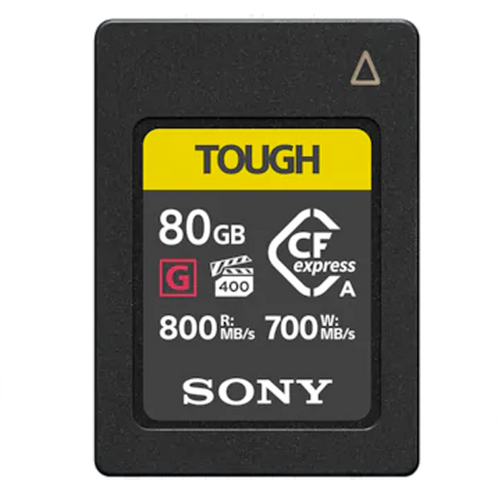
- Key differentiator: Optimized around Sony's CEA-G Series CFexpress Type A workflow.
- Travel advantage: Compact, bus-powered USB-C design means no separate power supply is required for normal operation.
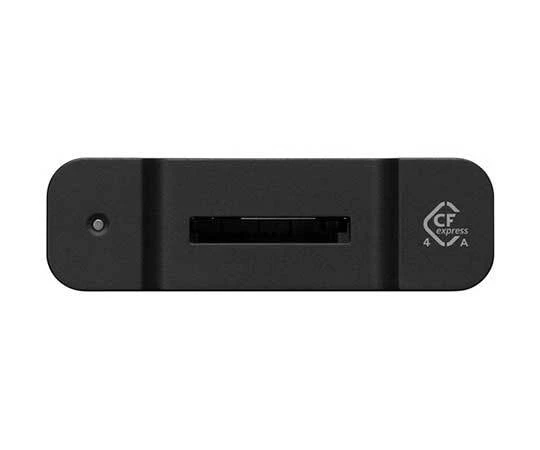
- Important limitation: This is a Type A-only reader. It does not replace an SD or CFexpress Type B card reader.
Sony MRW-G3 Quick Specs
Faster Offloads Between Dives
Large RAW sequences and high-bitrate underwater video can turn a normal card backup into a lengthy job. The MRW-G3's USB 40Gbps interface gives newer CFexpress Type A media more room to perform than the 10Gbps connection used by Sony's older MRW-G2.
- Useful for large RAW photo libraries
- Well suited to high-bitrate underwater video
- Reduces workflow bottlenecks when paired with fast storage
- Ideal for liveaboard and travel backup routines
Designed for Long, Heavy Transfers
Sony redesigned the MRW-G3's heat-dissipation structure to help maintain an appropriate operating temperature during extended transfers. That becomes particularly relevant when backing up full cards containing hundreds of high-resolution files or long video clips.
- Designed for stable extended file transfers
- Improved heat management compared with relying on a basic compact reader
- Useful when copying large cards in one session
- Better suited to demanding professional ingest workflows
Laptop, Tablet and Mobile Workflows
Sony lists support for Windows and macOS computers as well as iOS, iPadOS and Android devices. That flexibility is useful for traveling underwater shooters who increasingly back up or review footage without carrying a full desktop workstation.
- USB-C connection
- Bus-powered operation
- Compact travel-friendly format
- Useful for mobile editing and backup workflows
Why Buy the Sony MRW-G3 from Bluewater Photo?
Sony is one of the dominant camera systems used by serious underwater photographers, and the MRW-G3 is designed specifically around Sony's latest high-performance CFexpress Type A workflow. Bluewater Photo can help you determine whether the reader, memory card and camera combination makes sense for the rest of your underwater system.
Content reviewed by Bluewater Photo staff, recognized as the #1 online retailer specializing in underwater photography and scuba diving equipment, with real-world experience supporting, selling, and configuring underwater camera systems.
Ready to Upgrade Your CFexpress Type A Workflow?
Expert support from underwater photographers.
Sony MRW-G3 Specifications
Media
- Reader type: CFexpress Type A card reader
- CFexpress standard: CFexpress 4 compatible
- Optimized media: Sony CEA-G Series
- SD card support: No
- CFexpress Type B support: No
Interface
- Host interface: USB 40Gbps
- Terminal: USB Type-C × 1
- Power: USB bus powered
- Included cable: USB Type-C to USB Type-C
Device Support
- Windows
- macOS
- iOS
- iPadOS
- Android
Physical
- Width: 58.0 mm / 2.38 in
- Height: 17.2 mm / 0.68 in
- Depth: 100.5 mm / 4 in
- Operating temperature: 0–40°C / 32–104°F
What's in the Box
- Sony MRW-G3 card reader
- USB Type-C to USB Type-C cable
Sony MRW-G3 Frequently Asked Questions
What memory cards does the Sony MRW-G3 accept?
The MRW-G3 is designed specifically for CFexpress Type A memory cards. It does not include an SD card slot and does not accept CFexpress Type B cards.
Does the Sony MRW-G3 support CFexpress 4?
Yes. Sony specifically designed the MRW-G3 with support for the CFexpress 4 standard and optimizes it for use with the company's CEA-G Series Type A cards.
Do I need USB4 to use the MRW-G3 at full speed?
To take advantage of the reader's maximum 40Gbps host interface capability, the computer or mobile device must provide a compatible 40Gbps connection. Your memory card and destination storage must also be fast enough to avoid becoming the bottleneck.
Can I connect the MRW-G3 to an iPad or smartphone?
Sony lists iOS, iPadOS and Android among the supported operating systems, along with Windows and macOS. The mobile device still needs an appropriate USB-C connection and sufficient support for external storage.
What is the difference between the Sony MRW-G3 and MRW-G2?
The MRW-G3 is a dedicated CFexpress Type A reader using a 40Gbps interface, while the MRW-G2 uses a 10Gbps USB interface but can read both CFexpress Type A and SD cards. Choose the G3 for higher Type A performance potential and the G2 when dual-format convenience matters more.
Is the Sony MRW-G3 waterproof?
Sony does not publish a waterproof rating for the MRW-G3. Treat it as dry-side computer equipment and keep it protected from water, spray and wet dive gear.
Why is a fast card reader useful for underwater video?
High-bitrate video can fill large memory cards quickly, and backing those files up between dives can take significant time. A high-bandwidth reader helps reduce the transfer bottleneck when the memory card, computer and destination drive are also fast enough.
How should I remove a CFexpress Type A card after transferring files?
Use your computer or mobile device's safe-eject function and wait for all read or write activity to finish before removing the card. Disconnecting media while data is being written can risk file corruption.